Fixing Bad Podcast Audio: What Actually Causes It
Almost every audio problem people try to fix in editing was created in the room. Here is how to tell which is which.
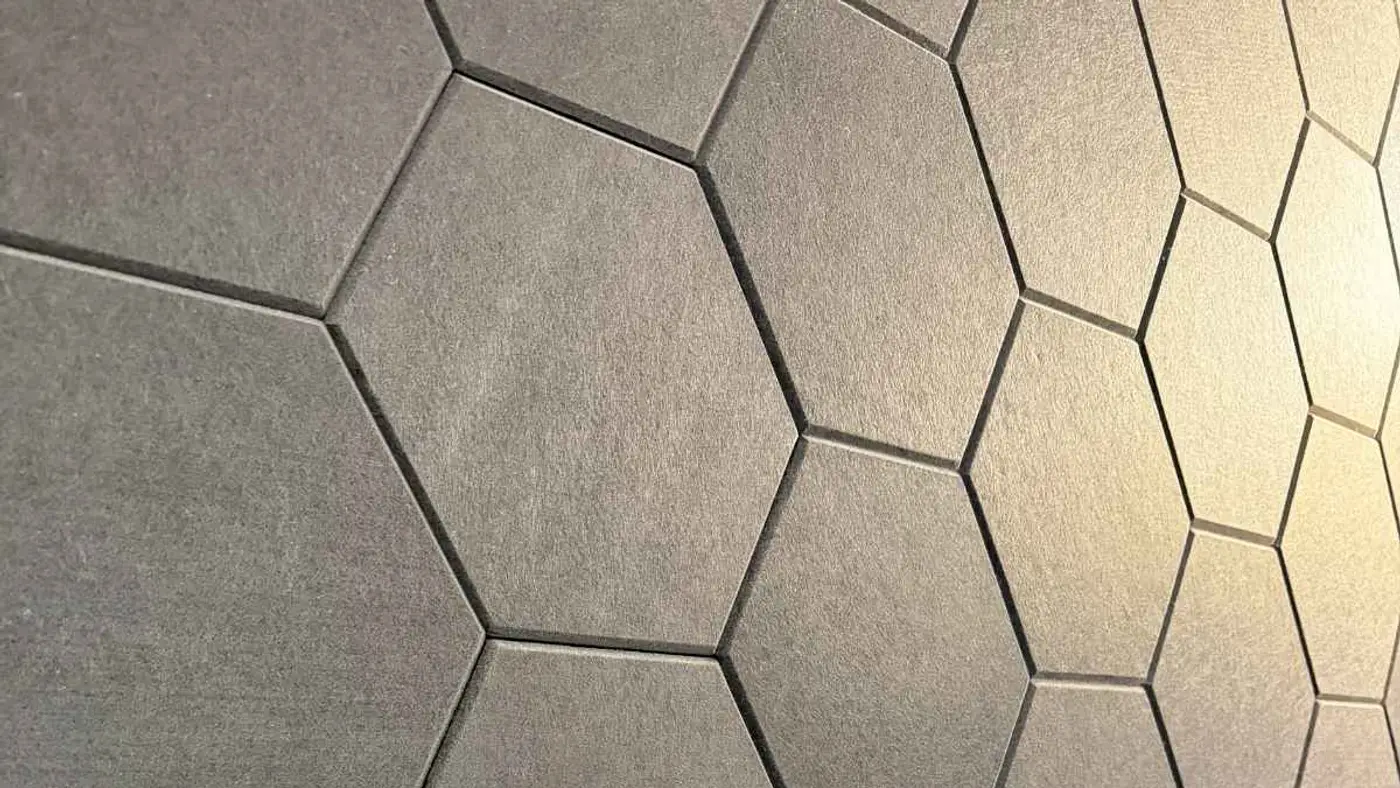
Why does my podcast sound hollow or distant?
Room reflections. Your voice reaches the microphone directly and then again a fraction of a second later after bouncing off walls, ceiling, floor, and windows. Those delayed copies are what produce the hollow, far-away quality.
This is the single most common reason home recordings sound amateur, and it is why a better microphone rarely helps — a more sensitive microphone captures the reflections more accurately.
The fix is absorption at the reflection points: soft material on the walls beside and behind you, something on the floor, and ideally something above. A room with a rug, curtains, and a sofa is dramatically better than a room with a desk and bare walls.
Which audio problems can actually be fixed in editing?
A useful way to think about it: editing can remove things that are separable from your voice, and cannot remove things that are baked into it. Steady background noise, inconsistent volume, and harsh sibilance are separable. Room echo and clipping are not.
| Problem | Fixable after recording? | Real solution |
|---|---|---|
| Steady background hum or hiss | Mostly yes | Noise reduction, gently applied |
| Inconsistent volume | Yes | Compression and levelling |
| Harsh "s" sounds | Yes | De-essing |
| Room echo / hollowness | No | Treat the room before recording |
| Clipped, distorted peaks | No | Set levels correctly at the source |
| Plosive pops | Partly | Pop filter and off-axis mic position |
How close should the microphone be?
Four to six inches for a dynamic microphone, positioned slightly off-axis so you are not speaking directly into the capsule. This is closer than most people sit, and the distance matters more than the microphone model.
Moving from twelve inches to five inches raises your voice relative to the room, which means less reflection and less noise in the recording without touching a single setting.
Speaking slightly across the microphone rather than straight into it also reduces plosives — the bursts of air on p and b sounds that create low-frequency thumps a pop filter only partly catches.
What about multiple people in the same room?
Each person needs their own microphone on its own channel. A single shared microphone captures everyone at different distances, picks up far more room, and makes it impossible to fix one person's audio without affecting everyone else's.
Separate channels let you balance a quiet speaker against a loud one, remove one person's chair squeak, and cut cleanly around crosstalk. This is the main practical reason multi-person recording is harder at home.
Bleed between microphones is normal and manageable when the microphones are dynamic and correctly placed. It becomes a problem with condensers, which is another reason dynamics are the podcasting standard.
Why does my voice sound harsh or sibilant?
Usually a combination of microphone choice, position, and untreated hard surfaces. Sibilance — the piercing quality on s and t sounds — is exaggerated by bright rooms and by pointing the microphone directly at your mouth.
De-essing in post handles most of it, but the better fix is angling the microphone slightly downward or across so the sibilant energy does not hit the capsule directly.
Excessive EQ can also cause it. Boosting high frequencies to sound clearer is a common beginner move that makes sibilance much worse. If the recording sounds dull, the problem is usually distance, not EQ.
When is a studio the practical answer?
When you have tried treating your space and it still is not right, or when the room you have simply cannot be treated — glass walls, high ceilings, shared offices, or a home you are not going to cover in acoustic panels.
It is also the practical answer for multi-person recording, where the channel-per-person requirement and the room treatment problem arrive together.
Podcast Studio San Antonio runs Shure SM7B microphones into a RODECaster Pro II in rooms that are already treated, with solo and four-person configurations. The value is not the microphone list — it is that the room problem is already solved.
How do you diagnose a problem you can hear but cannot name?
Work through it by category. Does it sound like you are far away, or like you are in a bathroom? That is room reflection. Does it sound thin and brittle? Usually distance combined with EQ. Does it crackle on peaks? That is clipping.
Record a ten-second test clip and listen on three devices — headphones, a phone speaker, and a laptop. Problems that are inaudible on good headphones are often glaring on a phone speaker, which is where most people will actually hear you.
Clap once in the room and listen to the tail. A short, dead thud means the room is fine. An audible ring or flutter means the room needs treatment before anything else is worth adjusting.
What order should you fix things in?
Room first, position second, gear third, processing last. This order is close to universal and it is almost exactly the reverse of what most people do, which is why so many podcasts have expensive microphones and bad audio.
Treating the room and moving four inches closer to the microphone will improve a recording more than any plugin chain. Both are free.
Processing is genuinely the last step and should be light. Heavy noise reduction, aggressive EQ, and hard compression each introduce their own artefacts, and stacking them produces audio that sounds processed rather than good.
| Priority | Fix | Cost |
|---|---|---|
| 1 | Treat the room's reflection points | Low — soft furnishings work |
| 2 | Move to 4–6 inches, slightly off-axis | Free |
| 3 | Use a dynamic mic on its own channel | Moderate |
| 4 | Light compression, de-essing, levels | Free |
| 5 | Upgrade the microphone | High — and the least impactful |
How do you get consistent audio across episodes?
Standardise the physical setup. Mark the microphone position, keep the gain setting written down, and use the same room arrangement every time. Most inconsistency between episodes is physical, not technical.
Then standardise the processing. A saved chain applied identically to every episode keeps the back catalogue coherent, which matters when someone listens to three episodes in a row.
Normalise to a consistent loudness target so listeners are not adjusting volume between episodes. Wildly varying levels across a catalogue is one of the most common and most avoidable irritations in podcasting.
What about remote guests?
Ask them to record locally and send you the file. Call platforms compress audio aggressively, and no amount of processing recovers what the compression discarded. A local recording from a mediocre microphone usually beats a compressed one from a good microphone.
If local recording is not possible, ask for three things: wired headphones to prevent echo, a quiet room, and a position close to whatever microphone they have. Those three cost nothing and fix most remote audio.
Record the call as a backup regardless. A compressed guest track is far better than a lost one when the local recording fails, which happens more often than people expect.
What does good podcast audio actually sound like?
It sounds close. The defining quality of professional podcast audio is intimacy — the voice sounds like it is in the room with the listener rather than across a hall from the microphone. That comes from proximity and absorption, not from processing.
It sounds consistent. Volume does not swing between speakers or between sections, and there is no need to reach for the volume control mid-episode. Consistency is unglamorous and it is what listeners actually notice.
It sounds clean but not sterile. Some room character is fine and even desirable; what should be absent is the delayed reflection that makes a voice sound hollow. Over-processed audio that removes everything ends up sounding artificial.
A useful reference: play a well-produced podcast and then your own on the same speakers at the same volume. The gap is usually obvious and usually traces to the room, the distance, or the levels — in that order.
What equipment problems masquerade as room problems?
A failing cable is the classic one. Intermittent crackle or a channel that drops in and out reads as a mysterious recording fault and is almost always a cable, which is trivially cheap to rule out by swapping it.
Gain staging is the second. Too little gain at the microphone forces you to amplify later, which raises the noise floor along with the voice — producing a hiss people often blame on the room or on the microphone.
USB power issues produce whine or interference that sounds like electrical noise in the room. Plugging into a different port, using a powered hub, or moving away from a phone charger usually resolves it.
And headphone bleed is regularly mistaken for room echo. Open-back headphones leak audio into the microphone, producing a faint doubled quality. Closed-back headphones eliminate it entirely.
Frequently Asked Questions
Can AI audio tools fix a bad recording?
They help with noise, levelling, and some sibilance, and have improved considerably. They still cannot convincingly remove room reflections or restore clipped audio, and aggressive processing introduces artefacts that sound worse than the original problem.
Is a more expensive microphone the answer?
Rarely. Above a modest quality threshold, the room and the microphone position determine how you sound far more than the microphone itself. Spend on treatment before you spend on the microphone.
What levels should I record at?
Aim for peaks around -12 to -6 dB, leaving headroom so a sudden laugh does not clip. Recording too quietly is recoverable; clipping is not, so err on the conservative side.
Why does my guest sound worse than me?
Usually a different microphone, different distance, or a worse room on their end. For remote guests, ask them to record locally and send the file, which avoids compression from the call platform entirely.
Do I need a noise gate?
Generally no, and gates often do more harm than good on conversational audio by clipping the starts of quiet words. Better microphone position and a treated room solve the underlying problem more cleanly.
Why does my audio sound fine in headphones but bad on a phone?
Phone speakers reproduce almost no low frequency, so anything relying on bass warmth disappears and midrange problems become obvious. Always check a mix on a phone speaker before publishing — it is where most listening happens.
Should I normalise my podcast to a specific loudness?
Yes. Aim for a consistent target across every episode so listeners are not adjusting volume between them. Most podcast platforms apply their own normalisation, and delivering a consistent level means less unpredictable processing on their end.
Can I fix an episode I already published?
Yes. Re-upload a corrected file to your podcast host and it propagates to the platforms. It is worth doing for an episode with a genuine audio fault, since the archive is permanent and keeps being discovered.
How do I compare my audio against professional shows?
Play both through the same speakers at the same volume, back to back. Differences that were invisible in isolation become obvious in direct comparison, and the specific difference usually points straight at the cause.
Does the microphone matter more for some voices?
Somewhat. Deeper voices can become boomy at close range due to proximity effect, and brighter voices can turn sibilant. Both are managed with position and gentle EQ rather than by buying a different microphone.
You bring the conversation. We handle everything after.
A room at I-10 and 410 with the gear already bought, already set, already rolling — Shure SM7B microphones into a RØDEcaster Pro II, Sony Alpha 6400 4K cameras, a professional teleprompter, and acoustic treatment that is already done arguing with your voice.
Then the part most shows never get to. The edit, the clips, the written page, the scheduling — handled, so an hour in the studio turns into a month of content instead of a file sitting on a drive.
— Podcast Studio San Antonio, I-10 & 410