iPhone Pro vs. Studio Cameras for Video Podcasting
The camera in your pocket is better than most people need. The problem is almost never the sensor — it is everything around it.
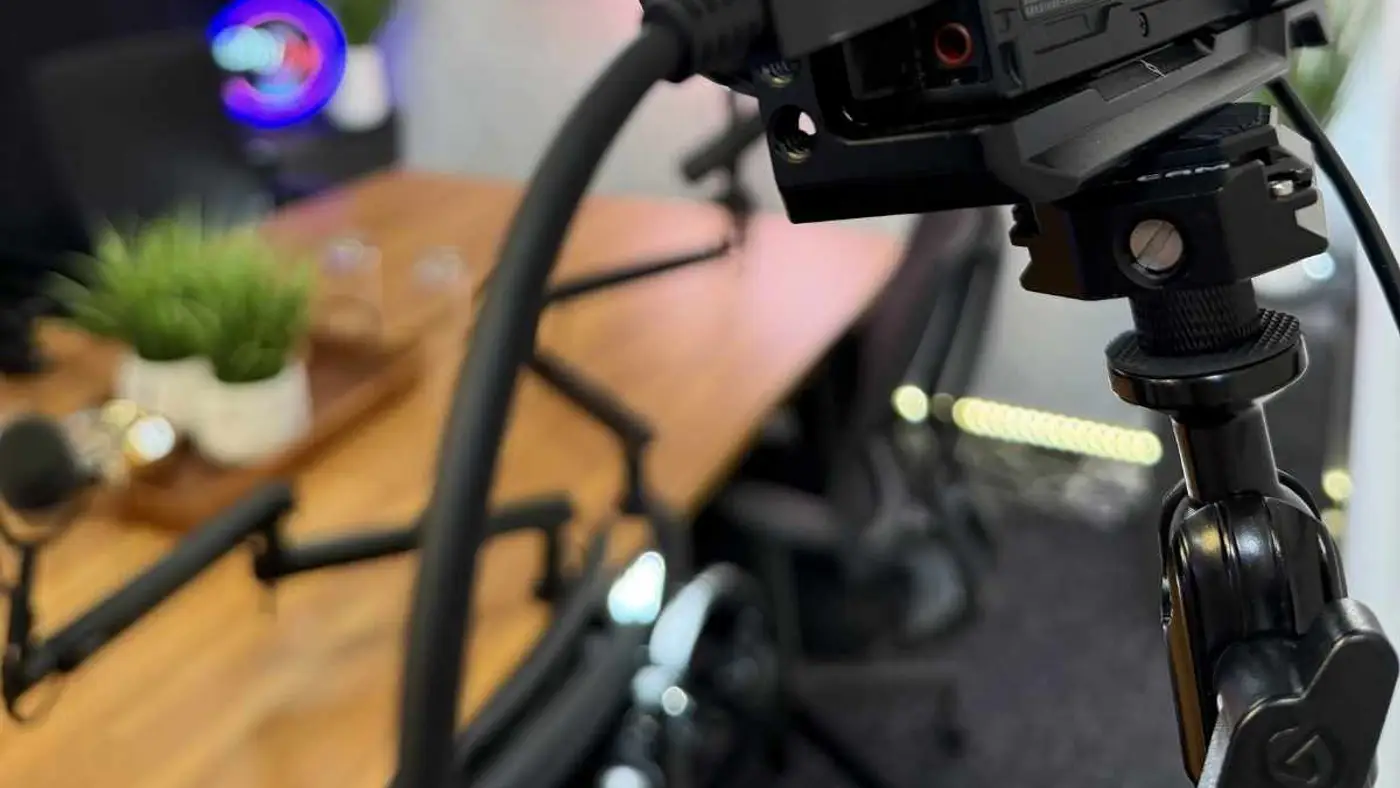
Is an iPhone actually good enough for a video podcast?
For the image itself, yes. A recent iPhone Pro records 4K at high frame rates with strong colour science and excellent stabilisation. Locked off on a tripod in good light, the footage holds up against dedicated cameras for talking-head content.
What gives phone footage away is rarely resolution. It is flat lighting, a distracting background, audio recorded on the phone's own microphone, and the very deep focus that makes everything from your face to the laundry behind you equally sharp.
Fix those four things and most viewers cannot tell. Ignore them and no camera upgrade will save the shot.
Where do phones genuinely fall down?
Long takes are the first problem. Recording 4K for forty-five minutes generates heat and enormous files, and phones throttle or stop when they get hot. A dropped recording halfway through a guest interview is not a recoverable mistake.
Multi-camera is the second. Two or three phones can be synced, but you are managing separate devices, separate storage, separate clocks, and matching colour between them afterwards. This is tedious in a way that stops shows from being made.
Third is depth of field. Phone sensors are small, so backgrounds stay in focus. Computational portrait modes approximate a shallow look but tend to produce soft edges around hair and glasses — visible and distracting at full screen.
| Factor | iPhone Pro | Dedicated camera |
|---|---|---|
| 4K image quality | Excellent | Excellent |
| Long-take reliability | Heat and storage limits | Built for it |
| Multi-camera workflow | Manual and fiddly | Straightforward |
| Background separation | Computational, imperfect | Optical, clean |
| Low-light performance | Good with processing | Better |
| Cost | Already owned | Meaningful investment |
What should you fix first if you are shooting on a phone?
Audio, without question. Never use the phone's built-in microphone for anything you intend to publish. A dedicated microphone recording separately, synced in the edit, will improve perceived quality more than any other single change.
Lighting second. One large soft light slightly off-axis from your face, with something to lift the shadow side, transforms phone footage. Overhead room lighting is the single most common reason home video looks bad.
Third, get the phone off the desk and onto a tripod at eye level, with the background at least a few feet behind you. Distance from the background creates natural separation even without shallow focus.
How do you use a phone alongside real cameras?
As an extra angle, a phone is genuinely useful. A wide two-shot, an over-the-shoulder, or a vertical framing captured specifically for social clips all work well and cost nothing extra.
The vertical angle in particular is worth planning. Recording a dedicated vertical take of the same conversation means your short-form clips are natively vertical rather than cropped from a horizontal frame, which always sacrifices composition.
In a studio this is easy because the primary angles are already handled. At Podcast Studio San Antonio the Sony Alpha 6400 cameras cover the main coverage, so a phone can be added purely for the social framing.
Does shooting on a phone hurt credibility?
Only if it looks like it. Audiences do not audit your equipment; they react to whether the result looks considered. Well-lit, well-framed, well-recorded phone footage reads as professional. Badly lit footage from a cinema camera does not.
The exception is client-facing content where the environment is part of the message. If a prospect is judging whether your business is established, a spare-room background works against you regardless of resolution.
The practical takeaway: use the phone where the content is the point, and use a proper room where the impression is the point.
What is the most cost-effective setup for a new video podcast?
Start with the phone you already own, one soft light, one dedicated microphone, and a tripod. That combination costs a few hundred dollars and produces genuinely publishable video, which is enough to find out whether the show will survive.
Spend the next money on the room rather than the camera. Acoustic treatment and a background that is not your kitchen improve the result more than a sensor upgrade.
Move to a studio when you add guests, add angles, or when the recording starts being something prospects see before they meet you. Those three thresholds are where phone workflows stop being economical.
How should you light a phone-shot podcast?
One large, soft source placed slightly to one side of the camera and slightly above eye level does most of the work. Large and close is the key: a big source produces soft, flattering shadow edges, while a small one produces hard, unflattering ones.
Add something to lift the shadow side — a second, dimmer light, or simply a white wall or a piece of foam board bouncing the key light back. Without it, one side of the face falls away into darkness, which reads as amateur on camera.
Then get some separation between you and the background. A small light aimed at the wall behind you, or just physical distance, keeps you from merging into it. This matters more on phone footage precisely because the deep focus keeps the background sharp.
Avoid overhead room lighting entirely. Ceiling lights cast shadows straight down into the eye sockets and under the nose, which is the single most recognisable signature of unplanned video.
What settings should you actually use?
Lock everything you can. Autofocus hunting mid-sentence and auto-exposure shifting when you move are the two most distracting artefacts in phone video, and both are fixable by locking focus and exposure before you start.
Shoot 4K at 24 or 30 frames per second for talking-head content. Higher frame rates are for motion and slow motion, neither of which a podcast needs, and they multiply file size and heat.
Set white balance manually rather than leaving it automatic, so the colour does not drift when you move or when the light changes. If you are cutting between a phone and another camera, manual white balance on both is what makes them match.
| Setting | Use | Why |
|---|---|---|
| Resolution | 4K | Room to crop for vertical clips |
| Frame rate | 24 or 30 fps | Natural motion; smaller files |
| Focus | Locked | Stops mid-sentence hunting |
| Exposure | Locked | Prevents brightness drift |
| White balance | Manual | Keeps colour consistent and matchable |
How do you frame yourself well?
Put the camera at eye level. Shooting from below is the most common framing error and it is unflattering in a way viewers notice without being able to say why. A stack of books under a tripod solves it.
Leave a small amount of space above your head and position your eyes roughly a third of the way down the frame. Too much headroom makes you look small in the frame; too little feels claustrophobic.
Sit close enough that you fill a meaningful part of the frame — roughly chest-up for a single speaker. Wide shots of a person at a desk read as a security camera rather than a podcast.
When should you stop using a phone?
When you add a second person, when you need more than one angle, or when takes routinely run past thirty minutes. Each of those pushes a phone workflow from slightly awkward into genuinely unreliable.
Also when the recording becomes client-facing. At the point where a prospect is judging your business by the video, the room and the production become part of the message, and a phone in a spare room works against you regardless of how good the sensor is.
Until then, the phone is genuinely fine. Far more shows fail from never publishing than from publishing footage shot on a phone.
What does a complete phone-based setup cost?
Assume you already own the phone. The additions that matter are a tripod with a phone mount, one large soft light, something to bounce or fill the shadow side, and a dedicated microphone with a way to record it.
The microphone is where the money should go. A dynamic microphone with a small interface or a standalone recorder is the difference between phone-audio and broadcast-audio, and it is the single most visible upgrade in the finished result.
Lighting is next and it is cheaper than people expect. One large soft source does most of the work; a second light or a reflector finishes it. This is a modest spend that transforms how considered the video looks.
The whole kit lands in the low hundreds, which is the point — it is cheap enough to find out whether the show will survive before spending on cameras. Most shows that fail would have failed with better equipment too.
| Item | Why it matters | Priority |
|---|---|---|
| Dynamic mic + recorder/interface | Biggest single quality jump | First |
| Large soft key light | Stops the 'unplanned video' look | Second |
| Tripod at eye level | Fixes the most common framing error | Third |
| Fill light or reflector | Keeps the shadow side from going black | Fourth |
| Second phone / camera | A cutaway angle | Later |
Frequently Asked Questions
Which iPhone models are suitable for video podcasting?
Any recent Pro model handles it well. The Pro line matters more than the specific generation because of the additional lenses and the higher-quality video codecs. A two or three year old Pro is entirely adequate.
Should I record audio on the phone or separately?
Separately, always. Record audio to a dedicated recorder or interface and sync it in the edit. Phone microphones capture too much room and handle multiple speakers poorly, and it is the single biggest quality difference you can make.
How do I stop my phone overheating during long recordings?
Keep it out of direct light, remove the case, disable unnecessary background apps, and keep it plugged into power rather than charging from empty. For sessions beyond about thirty minutes, splitting into shorter takes is more reliable.
Can I mix phone footage with camera footage in one episode?
Yes, and it is common. Match white balance and exposure as closely as you can while shooting, then correct colour in the edit. Cutting between a phone wide and a camera close-up is usually invisible to viewers once graded.
Is vertical or horizontal better for podcast video?
Record horizontal as your primary format for YouTube and the full episode, and capture vertical separately if you can. Cropping horizontal footage to vertical works but forces you to sacrifice framing that was composed for a wide frame.
Do I need a gimbal for podcast video?
No. Podcast video is almost entirely static, locked-off shots, so a tripod is the right tool. Gimbals solve a movement problem that talking-head content does not have.
How much storage does 4K podcast video use?
Roughly 300–400 MB per minute depending on codec and frame rate, so an hour-long episode can approach 25 GB per camera. Plan storage and offload before recording rather than discovering the limit mid-session.
Can I livestream a podcast from a phone?
Yes, but treat it as a different format. Livestreams have no editing safety net, and phone-based streaming compounds the heat, battery, and connection risks. Record locally at full quality even if you also stream.
Should I buy a camera or upgrade my phone first?
Neither, usually. Spend on audio and lighting before either one. A current phone with good sound and good light beats a better camera with neither, and the audience notices the audio long before the sensor.
Can two phones work as a two-camera setup?
Yes, with effort. Sync them using a clap at the start of each take, match white balance and exposure manually, and expect to spend extra time matching colour in the edit. It works, but it is the fiddliest part of a phone workflow.
You bring the conversation. We handle everything after.
A room at I-10 and 410 with the gear already bought, already set, already rolling — Shure SM7B microphones into a RØDEcaster Pro II, Sony Alpha 6400 4K cameras, a professional teleprompter, and acoustic treatment that is already done arguing with your voice.
Then the part most shows never get to. The edit, the clips, the written page, the scheduling — handled, so an hour in the studio turns into a month of content instead of a file sitting on a drive.
— Podcast Studio San Antonio, I-10 & 410